
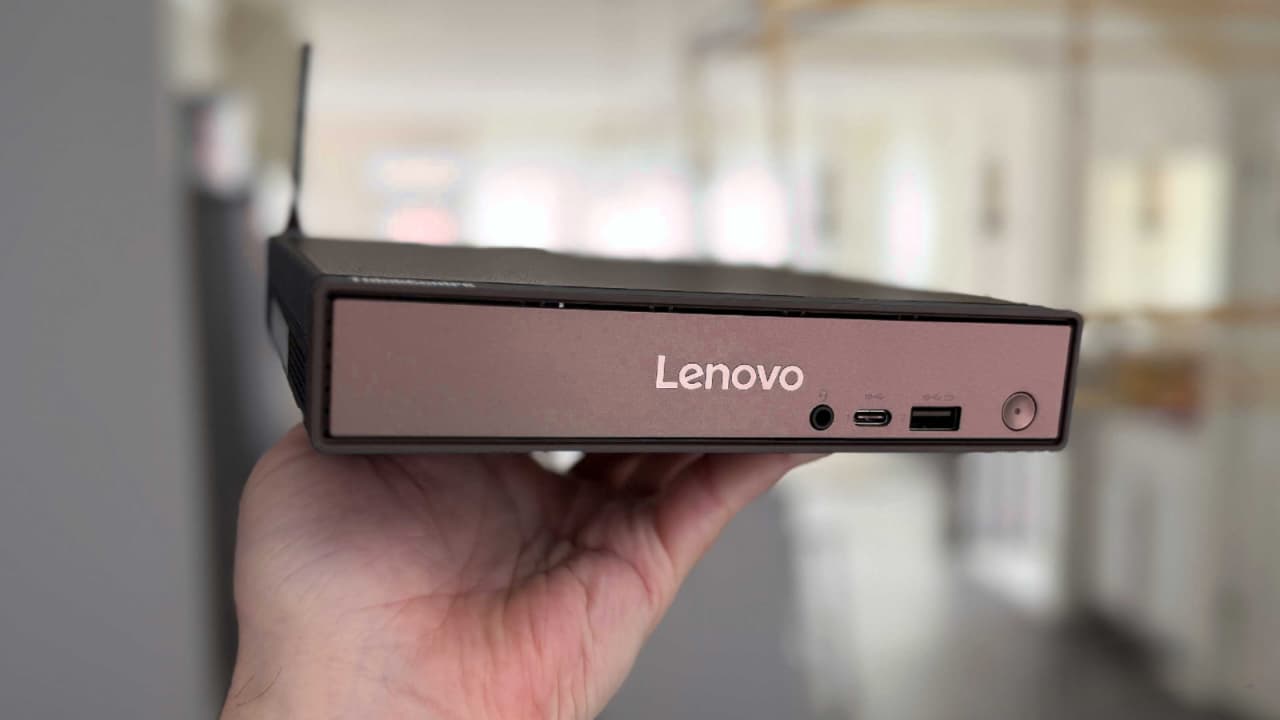
The Lenovo ThinkCentre Neo 50q (Snapdragon) Tiny is a compact, silent, and efficient mini PC designed for productivity. Read the full review, pros & cons, specs, and buying advice.
The Lenovo ThinkCentre Neo 50q (Snapdragon) Tiny is designed for one purpose—to deliver smooth everyday performance in the smallest possible footprint. Built on Qualcomm’s Snapdragon platform, this mini PC blends silent operation, excellent power efficiency, and a clean, office-friendly design.
It’s not trying to be a gaming machine or a workstation. Instead, it focuses on what most users actually need:
✔ Browsing
✔ Office work
✔ Emails
✔ Light multitasking
✔ Quiet performance
And in these areas, the Neo 50q performs almost flawlessly.
Design & Build – Tiny Yet Practical
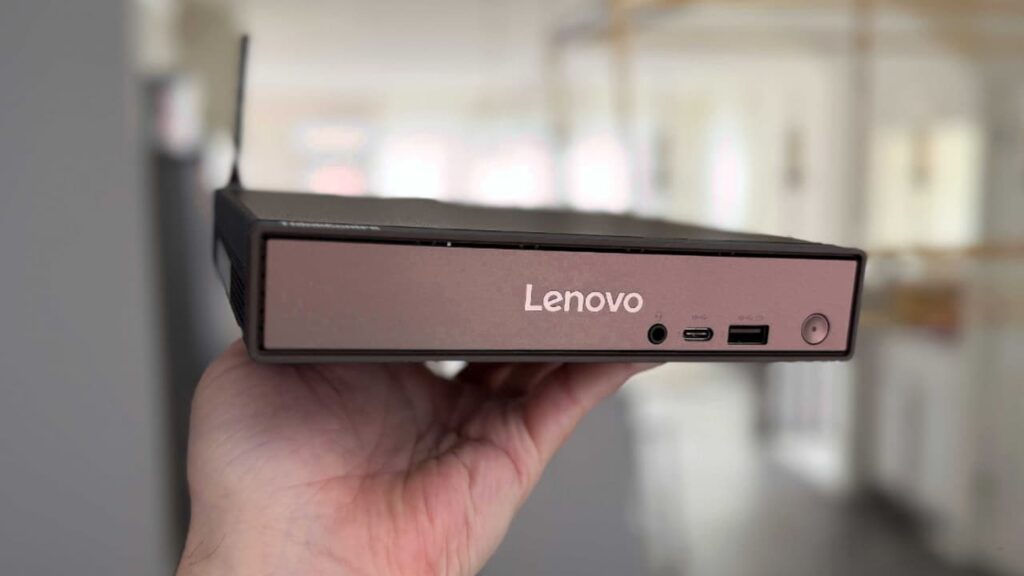
The Neo 50q is extremely compact, making it easy to place behind a monitor using a VESA mount. It keeps your desk clutter-free and runs completely silent, thanks to the efficient Snapdragon chip inside.
One thing that could be improved is integrating the power supply into the chassis. There seems to be enough empty internal space that could have made this possible, but the external brick is still manageable.
Performance – Great for Productivity, Not for Gaming
Powered by the Snapdragon X X1-26-100 Processor, the Neo 50q handles daily tasks with ease:
✔ Web browsing
✔ Document creation
✔ Streaming
✔ Multitasking with office apps
The system is smooth and quick for general productivity work.
However, this is not a machine for:
✘ Heavy gaming
✘ High-end creative tasks
✘ Applications that don’t support ARM architecture
For everything else, it performs impressively well.
Windows on ARM Experience – Finally Feels Mature
The Neo 50q shows how far Windows on ARM has come. The OS feels polished, responsive, and stable. For years, people hoped Windows on ARM would match macOS on ARM—and this mini PC comes closer than ever.
It’s the most “complete” Windows ARM desktop experience so far.
Who Should Buy the Lenovo ThinkCentre Neo 50q (Snapdragon) Tiny?
✅ Buy it if:
- You need a mini PC for everyday office tasks
- You want a silent, cool-running system
- You want a PC that hides behind your monitor
- You prefer power efficiency and simplicity
- You work in a small office or home office environment
❌ Do NOT buy it if:
- You want to play intensive games
- You need large amounts of RAM or storage
- You rely on apps that don’t support ARM
- You require workstation-level performance , Join Now

Lenovo ThinkCentre Neo 50q QC Specifications
| Feature | Details |
|---|---|
| CPU | Snapdragon X X1-26-100 Processor (2.97 GHz) |
| Graphics | Qualcomm Adreno GPU |
| RAM | Up to 32GB LPDDR5X (8448MHz) |
| Use Case | Productivity, office work, basic home computing |
| Noise | Completely silent |
| Mounting | VESA mount support |
Comparison Table: Lenovo Neo 50q vs Typical Mini PCs
| Feature | Neo 50q (Snapdragon) | Typical Mini PC (Intel/AMD) |
|---|---|---|
| Noise Level | Silent | Low to medium |
| Performance | Great for productivity | Stronger for heavy tasks |
| Gaming | Weak | Better (depending on GPU) |
| Power Efficiency | Very high | Moderate |
| App Support | ARM-limited | Full x86 support |
| Size | Ultra-compact | Compact |
Pros & Cons
Pros
- Silent and efficient performance
- Very compact and easy to mount
- Great for office and home productivity
- Stylish, clean design
- Windows on ARM runs well
- Excellent for small and medium businesses
Cons
- Not suitable for gaming
- Some apps may not run on ARM
- Limited storage and RAM options
- External power brick could have been integrated
Final Verdict
The Lenovo ThinkCentre Neo 50q (Snapdragon) Tiny is exactly what a mini PC should be:
✔ Compact
✔ Quiet
✔ Efficient
✔ Reliable for everyday use
It’s not built for heavy workloads or gaming, but for office tasks, browsing, writing, emails and general productivity, it performs beautifully. Small businesses, students and home-office users will find a lot of value here.
If you want a simple, silent, and space-saving mini PC, the Neo 50q is an excellent choice.